

The Elements That Drive Conversions
Breaks down the core components every high-performing page needs—from headlines to social proof to button placement.
Read ArticleWe’ve looked at dozens of Canadian landing pages. These five mistakes appear constantly—and they’re easy to fix once you know what to look for.
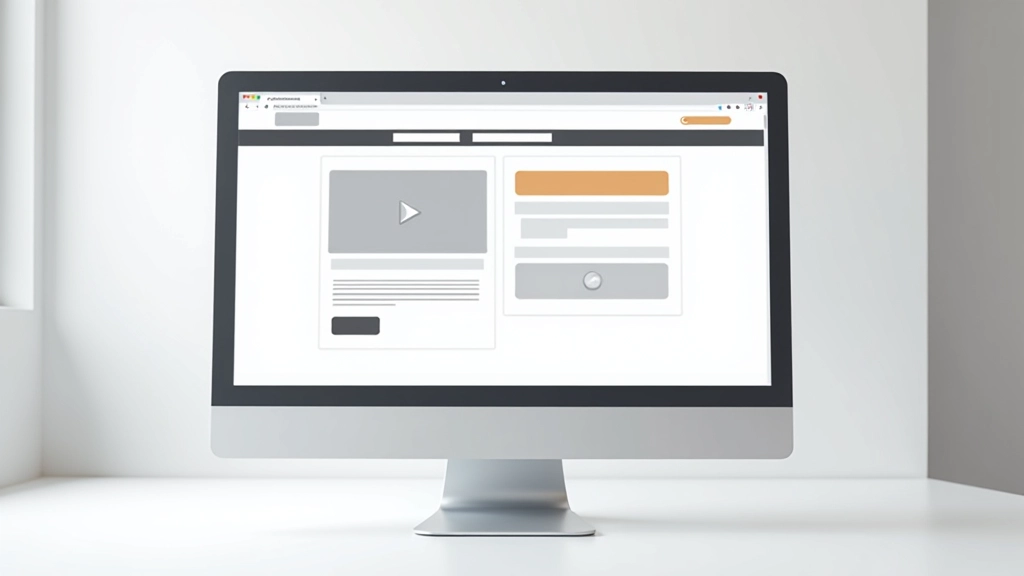
A landing page that doesn’t convert isn’t a tragedy—it’s a clue. Something in the experience isn’t working for your audience, and the good news is that you can fix it.
We’ve spent the last three years reviewing landing pages for Canadian businesses. From SaaS startups to e-commerce stores to service providers, we’re seeing the same patterns emerge. The mistakes aren’t sophisticated. They’re not subtle. They’re the kind of thing that once you notice them, you can’t unsee them.
Most pages fail because they’re not clear about what happens next. Visitors arrive, they’re confused about what you’re offering or who it’s for, and they leave. It’s that simple. Let’s walk through the five biggest culprits we’ve identified.

When someone lands on your page, they’re asking one thing: “Is this for me?” If your headline doesn’t answer that in three seconds, they’re gone.
We see a lot of headlines like “Transform Your Business” or “Unlock Your Potential.” These aren’t bad headlines technically. They’re just not specific. A visitor doesn’t know if you’re talking about marketing, operations, technology, or something else entirely.
Better approach: Be specific about who you help and what they get. “Done-for-you bookkeeping for Canadian e-commerce stores” tells someone immediately if you’re relevant to them. That specificity—even though it sounds narrower—actually attracts more serious prospects because you’re not wasting time with people who aren’t your fit.
The Fix: Replace vague benefit language with specific details. Who do you help? What’s their situation? What do they get? Answer these three questions in your headline.


The worst pages we see are the ones trying to do everything. They’ve got three different CTAs, four value propositions, links to the blog, social media buttons, multiple navigation options. Your visitor doesn’t know where to look.
This comes from fear—the fear that if you don’t mention something, you’ll lose the sale. But that’s backwards. Every additional element competes with your main goal. You’re not losing people because you didn’t mention something. You’re losing them because they’re overwhelmed.
One conversion goal per page. One button that stands out. One clear path. Everything else supports that single goal. We tested this with a financial services client. They removed three secondary CTAs and added clearer visual hierarchy. Conversions went up 34% in the first month.
Here’s what we’re talking about: A software company’s landing page shows screenshots of their interface. A coaching service shows a video of their course platform. A marketing agency shows their process diagram. Nobody cares.
People care about what they’ll be able to do, or how they’ll feel, or what changes in their life. The product is just the mechanism. If you’re selling project management software, don’t show the Gantt chart. Show a manager who can finally see their team’s workload clearly and isn’t staying up until midnight worried about deadlines.
This shift changes everything. Suddenly your page isn’t a feature list—it’s a story about the transformation your customer experiences. We worked with a fitness app that switched from showing workout screens to showing people celebrating their personal records. Downloads increased 28%. The app didn’t change. The story did.
The Fix: For every feature you mention, ask “So what?” What does this let my customer do? What changes? Build your page around those outcomes, not the tool itself.

We see buttons that say “Submit” or “Click Here” or “Learn More.” Sometimes they’re not even buttons—they’re text links that don’t look clickable. Visitors aren’t sure if they’re supposed to click or not.
Your CTA button should tell someone exactly what happens next. “Get Free Consultation” is better than “Contact Us.” “Start Your Free Trial” beats “Sign Up.” “See Pricing Options” works better than “Learn More.” You’re removing the friction of uncertainty.
Also—and this matters—make it look clickable. Use color contrast, padding, and clear button styling. We tested a B2B SaaS page where the CTA was a gray text link. They changed it to a proper button with the brand color. Clicks increased 47%. The messaging didn’t change. The visual treatment did.
You’re asking someone to give you their email, their time, or their money. That’s not a small ask. But we see pages with no credibility signals at all. No testimonials. No case studies. No numbers. No logos of companies that work with you. No certifications or credentials.
You don’t need fancy social proof. But you need something. Real testimonials work better than perfect ones. A single case study with actual numbers is worth more than ten vague success stories. A list of well-known clients (if you have them) builds confidence faster than any copy you could write.
We worked with a consulting firm that added three specific client case studies—just one-paragraph results with numbers—to their landing page. “Helped regional bank reduce customer acquisition cost by 23%” and similar. Qualified leads increased 41%. The offer hadn’t changed. The trust signals had.
The Fix: Add at least one credibility signal. Real testimonial from a named person. A number showing results. A well-known client logo. A relevant credential. Start with one, test it, then add more.

These five mistakes aren’t complicated. They’re not about having a fancy design or cutting-edge technology. They’re about clarity, focus, and trust. You’re either making it easy for your visitor to understand what you offer and take the next step, or you’re not.
Start by fixing one. Run it for a week or two and measure what changes. Most of these fixes are easy—a headline rewrite takes an hour. A button redesign takes 30 minutes. A testimonial takes a phone call. But the impact compounds. Fix all five and you’re looking at a completely different page.
The pages converting best aren’t the ones with the most features or the fanciest design. They’re the ones where every element has a job. Every word earns its space. Every design decision supports the conversion goal. That’s not magic. That’s just good thinking about your visitor’s experience.
Check your page against these five mistakes. You’ll probably find at least one that’s easy to fix—and worth fixing today.
Explore More CRO ResourcesThis article is educational and informational in nature. The examples and percentages are based on industry observations and case studies we’ve worked with. Results vary significantly based on your specific industry, audience, and implementation. We’re not providing specific conversion rate optimization advice for your business—every page is different. Consider working with a qualified CRO specialist or running your own tests to understand what works for your particular situation. Landing page optimization is an ongoing process, not a one-time fix.