
Designing Pages That Tell a Story
Your page isn’t a brochure—it’s a conversation. Learn how to guide visitors through a narrative that builds interest and leads to action.
Read ArticleEvery high-performing page shares common ingredients. We’ll break down exactly what they are, where they go, and why each one matters.

You can have beautiful design, solid copywriting, and genuine value to offer. But if the page structure doesn’t guide visitors toward taking action, none of that matters. We’ve reviewed hundreds of Canadian landing pages over the past few years. The ones that convert well don’t just happen—they’re built with intention.
The difference isn’t mysterious. It’s not about having the most polished graphics or the cleverest headline. It’s about understanding the fundamental building blocks that every converting page needs, then assembling them in a way that actually works for your specific audience.

Your headline gets maybe three seconds. That’s the reality. Within those first few seconds, visitors decide whether they’re staying or leaving. A strong headline doesn’t need to be clever—it needs to be clear. It should answer one simple question: “Is this for me?”
After the headline comes the lead paragraph. This is where you prove the headline wasn’t just hype. You’ve got about 15-20 more seconds here to establish why someone should care. The best leads don’t try to say everything—they pick the single most important benefit and explain it in plain language.
We’re not talking about generic value propositions. We’re talking about specific, concrete benefits. “Increase sales” means nothing. “Help local service businesses book 40% more appointments in their first month” means something. One is a promise. The other is a claim you can actually defend.

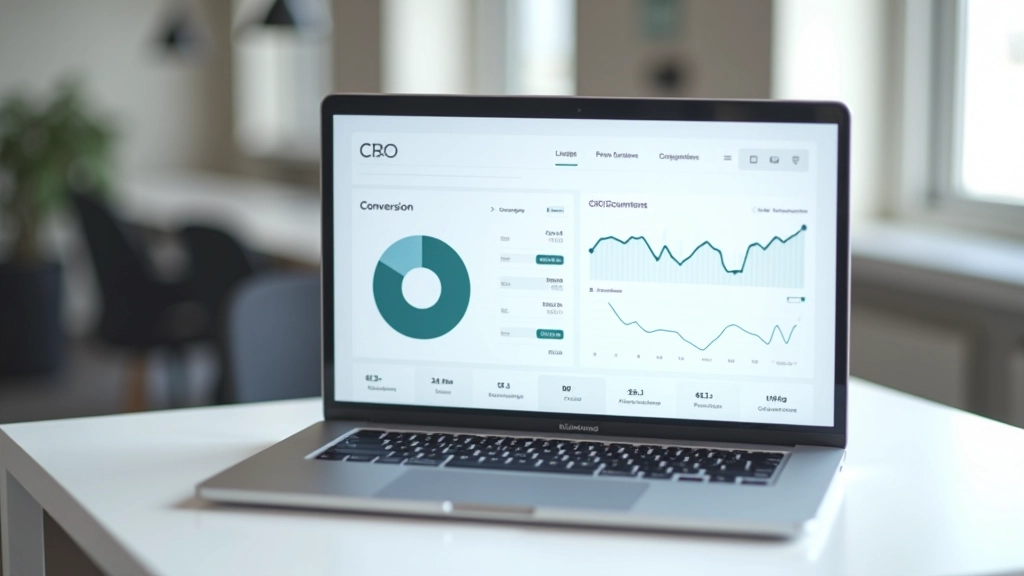
After you’ve made your main claim, visitors want proof. They’re naturally skeptical—that’s not a flaw, it’s smart. You need to give them reasons to believe you. Social proof works because it’s peer validation. When someone sees that dozens of real customers have gotten real results, it shifts the conversation from “Is this true?” to “Will it work for me?”
The most effective proof isn’t polished testimonials that sound like marketing copy. It’s rough, honest feedback. A customer mentioning a specific detail—”The onboarding took about two weeks, and I was skeptical at first”—lands harder than “Exceptional service, highly recommend.” You want the messy truth, not the highlight reel.
Beyond testimonials, consider showing specific numbers. Not inflated claims about how many customers you’ve served, but concrete metrics: “75% of users see improvements within 30 days” or “Average time to set up is 45 minutes.” These numbers give visitors something tangible to hold onto.
Here’s where a lot of pages lose people: they don’t guide the reader anywhere. Content just sits there, equally important, equally urgent. Your page needs a hierarchy. Some things matter more than others. Some information comes before other information for a reason.
Think of it like a conversation. You wouldn’t start by asking for money—you’d establish trust first. You wouldn’t dive into technical details before explaining why those details matter. The same logic applies to your page structure. Introduce the problem before offering the solution. Show benefits before asking for commitment.
Sections work well here. Clear section headings tell visitors what they’re about to read, so they can decide whether to keep scrolling. Subheadings break up text and create visual resting points. Bullet points highlight key benefits without making readers parse dense paragraphs. Lists feel scannable, which is how most people actually read on screens.


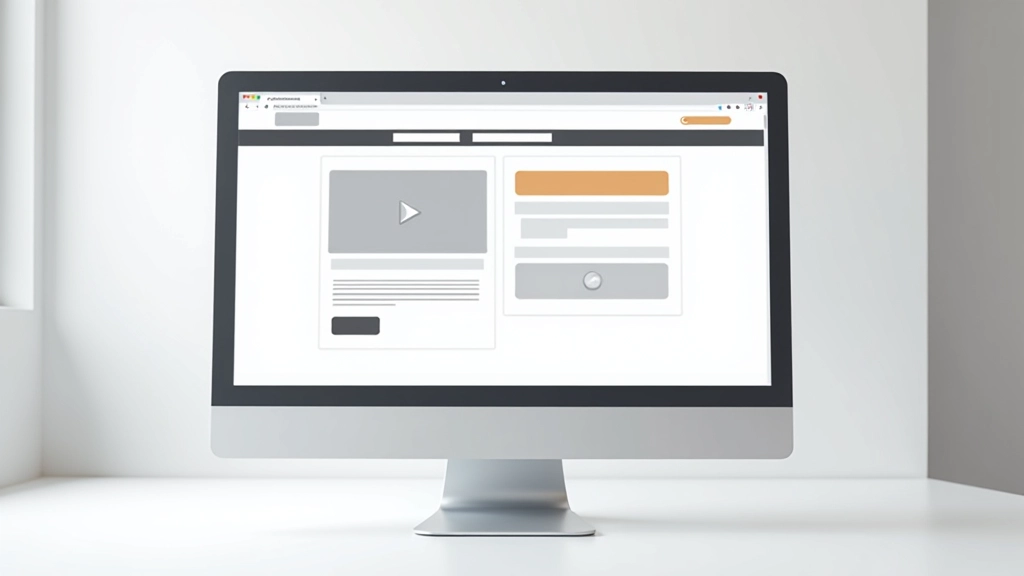
Your call to action (CTA) is the moment of truth. This is where interest becomes commitment. And most CTAs are weak. They’re apologetic. “Submit” or “Learn More” don’t tell people what’s actually going to happen. “Get Your Free Consultation” does. “See How It Works” does. The button text should describe the actual next step.
Beyond the button text, placement matters enormously. You don’t need just one CTA—you need CTAs positioned at natural decision points throughout your page. After you’ve made a benefit claim, ask them to learn more. After you’ve shown proof, ask them to get started. At the end, ask again with a slightly different angle.
Contrast is crucial too. Your CTA button should stand out visually from the rest of the page. Not obnoxiously, but unmistakably. The color, size, or placement should make it clear this is the action you want visitors to take. When your CTA blends into the background, you’re leaving conversions on the table.
Every extra step, every unclear instruction, every unexpected question on your form is a reason someone might abandon. Friction is anything that makes the conversion process harder than it needs to be.
Common friction points we see on landing pages:
The best converting pages remove these obstacles. They’re confident enough to be simple. They don’t try to capture every possible detail before someone’s interested. They guide visitors down a clear path with minimal distractions.
A converting page has these core ingredients working together:
Answers “Is this for me?” in under 10 words
Explains the main benefit in concrete terms
Images or testimonials that build credibility
Clear sections with logical flow and hierarchy
Buttons that describe the actual next step
Simple forms, clear navigation, no distractions

This article provides educational information about landing page design and conversion optimization principles. While these elements are based on industry best practices and common patterns observed across high-performing pages, results vary depending on your specific audience, industry, product, and implementation. We recommend testing these principles with your own traffic to see what works best for your situation. Conversion rates are influenced by many factors—design is just one piece of the larger marketing picture.